Air Conditioning Repair for Sudden Breakdowns
August 10, 2026
7 Checks for Choosing an Emergency HVAC Company
August 12, 2026
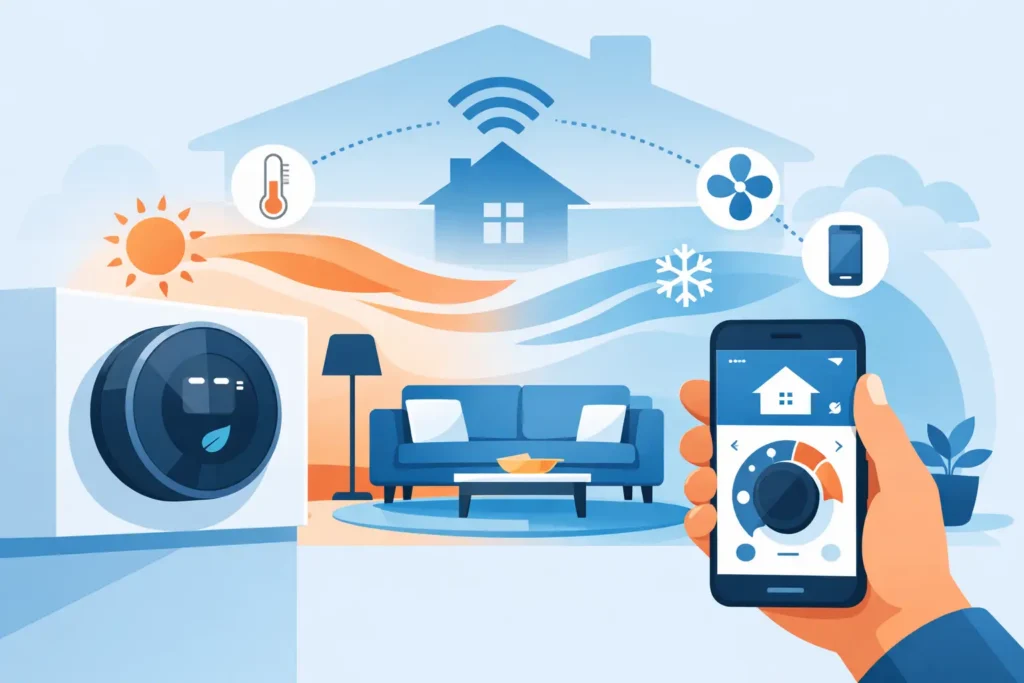
A smart thermostat setup looks simple from the box: remove the old thermostat, connect a few wires, and use an app. In a real Northern Virginia home, the details matter. A thermostat installed on the wrong wall, connected to an incompatible system, or programmed around the wrong schedule can leave rooms uncomfortable and put extra strain on heating and cooling equipment.
The goal is not to make your HVAC system run less at all costs. It is to make it run when your home needs it, avoid unnecessary runtime, and maintain safe, consistent temperatures. A properly selected and installed smart thermostat can help with all three.
Start With Your HVAC System, Not the Thermostat
Before choosing a model, identify the equipment it will control. Most smart thermostats work well with conventional furnaces and central air conditioners, but compatibility can change with heat pumps, multi-stage systems, zoning panels, humidifiers, and older control wiring.
A heat pump deserves special attention. It may use auxiliary or emergency heat during cold weather, and incorrect setup can cause the system to rely on expensive backup heat more often than necessary. If your thermostat asks whether you have a heat pump, do not guess. The answer affects how the thermostat calls for heat.
Multi-stage furnaces and air conditioners need the same care. A basic thermostat may operate the equipment, but it may not use both stages as effectively as a model designed for that system. In some cases, a feature-packed thermostat is less useful than a compatible model installed and configured correctly.
If your current thermostat has labels such as R, C, Y, W, G, O/B, AUX, or E, take a clear photo before removing it. Wire colors are not always reliable. The terminal labels and the connections at the indoor HVAC equipment provide the information that matters.
Choose a Thermostat That Fits How You Live
The best smart thermostat is not automatically the one with the largest screen or the most app features. It should match your system, household routine, and comfort priorities.
For a household with predictable work and school schedules, scheduling features can make a meaningful difference. You can reduce heating or cooling while the home is empty, then return to a comfortable temperature before anyone arrives. For homes with irregular schedules, occupancy sensing and app control may be more practical than a fixed weekday program.
Consider whether you need remote room sensors. A thermostat in a downstairs hallway cannot tell you whether an upstairs bedroom is too warm at night. Sensors can help the thermostat account for occupied rooms, although they cannot correct every comfort problem. A poorly insulated room, undersized equipment, restricted airflow, or an unbalanced duct system may still need professional attention.
Property managers and commercial decision-makers should also think about access. Choose a thermostat platform that allows appropriate user permissions and reliable schedule control without giving every occupant full control of the system. For a small office or rental property, simple controls and clear temperature limits often matter more than advanced automation.
Smart Thermostat Setup Begins With Placement
Thermostat location has a direct effect on comfort. The device should read a temperature that represents the area you want to control. That usually means an interior wall, away from direct sunlight, exterior doors, supply vents, return grilles, kitchens, fireplaces, and other heat-producing equipment.
A thermostat near a sunny window may think the home is warmer than it really is and shut cooling off too early. One located beside a supply vent can react to a burst of conditioned air instead of the average room temperature. Both situations can create the familiar complaint that one part of the house feels fine while another never does.
Do not relocate a thermostat just because a new model looks better elsewhere. Moving it can require new low-voltage wiring and should be planned around how air moves through the home. If your current thermostat is in a poor location, an HVAC technician can help determine whether relocation, room sensors, airflow adjustments, or another solution makes the most sense.
Check Power and Wiring Before Installation
Many smart thermostats need a continuous power connection, commonly called a C-wire. Some models can operate without one, using batteries, power-sharing technology, or an included adapter. That does not mean every no-C-wire installation is trouble-free.
Without stable power, a smart thermostat may lose its connection, fail to charge properly, restart unexpectedly, or cause short cycling. Short cycling is when heating or cooling starts and stops too often. It can reduce comfort and add wear to system components.
Turn off power to the HVAC equipment before touching thermostat wiring. Then remove the old thermostat faceplate and verify the terminals. If there is no C-wire at the wall, do not assume there is no solution. There may be an unused wire in the wall bundle, or an approved adapter may be appropriate. The right approach depends on the equipment and control board connections.
Avoid forcing wires into terminals or combining wires without confirming the manufacturer instructions and your system requirements. A mistake at the thermostat can blow a low-voltage fuse, disable heating or cooling, or damage the new control. If the wiring does not match the thermostat guide exactly, it is better to pause than to experiment.
Take Photos and Label Connections
Before disconnecting anything, photograph the existing wiring and label each wire by terminal designation. This small step can prevent confusion if a wire slips back into the wall or the old thermostat used a nonstandard color. Keep the photos until the new thermostat has been tested in both heating and cooling modes.
Configure the System Settings Carefully
Once the thermostat is mounted and powered, the on-screen setup is where many performance problems begin. The thermostat needs accurate answers about your equipment type, fuel source, number of stages, and heat pump configuration. These settings tell it how and when to call for heating or cooling.
After configuration, test the system one mode at a time. Set the thermostat a few degrees above room temperature and confirm that heat starts correctly. Then test cooling by setting it below room temperature. Give the equipment time to respond. Central systems do not always start the instant you tap a screen, and short delays can be normal protection features.
Listen and look for anything unusual: no airflow, a system that starts but does not heat or cool, repeated cycling, error messages, or an outdoor unit that does not operate as expected. If the system is not responding correctly, turn it off and arrange service rather than continuing to reset the thermostat.
For heat pumps, confirm that the thermostat is not using auxiliary heat during mild conditions unless the system genuinely needs it. During a cold snap, auxiliary heat may be normal. The right balance depends on outdoor temperatures, system design, and how quickly your home loses heat.
Build Schedules Around Comfort, Not Extreme Setbacks
Smart scheduling works best when it is realistic. Setting the temperature far lower in winter or far higher in summer while you are away may sound efficient, but the recovery period can be long and uncomfortable. With some systems, especially heat pumps, an aggressive winter setback can trigger auxiliary heat when the thermostat tries to catch up.
Start with modest changes. Many homeowners are comfortable lowering the heat a few degrees overnight or while away and raising the cooling setpoint a few degrees during empty hours. Watch how your home responds for a week, then adjust. The app may offer energy reports, but your utility bill, comfort level, and system runtime are the better indicators of whether the schedule is working for your household.
Use geofencing thoughtfully. It can be convenient when everyone leaves and returns at similar times, but it may not work well if family members come and go throughout the day. A schedule with occasional manual adjustments is often more dependable than automation that changes the temperature at the wrong moment.
When Professional Setup Is the Better Choice
A smart thermostat is a reasonable do-it-yourself project for some homes. Professional installation is the safer choice when you have a heat pump, multi-stage equipment, zoning, unclear wiring, recurring comfort issues, or an older system that has not been evaluated recently.
It is also worth scheduling service if your new thermostat exposes an existing issue. For example, the thermostat may show that the system runs continuously without reaching the set temperature. That may point to an equipment problem, airflow restriction, refrigerant concern, or building envelope issue rather than a thermostat failure.
AAA HVAC can install and configure compatible smart thermostats, verify system operation, and help homeowners and property managers avoid settings that work against their equipment. For urgent heating or cooling concerns, same-day service can get the problem identified before a minor control issue turns into a comfort emergency.
A smart thermostat should make comfort easier to manage, not give you another device to troubleshoot. Choose a compatible model, set it up carefully, and pay attention to what your home tells you during the first few weeks of use. That practical approach gives the technology its best chance to save energy while keeping every season more comfortable.